

The next step is to install Portainer.
Portainer is a lightweight management UI which allows you to easily manage your different Docker environments (Docker hosts or Swarm clusters). Portainer is meant to be as simple to deploy as it is to use.
There are two versions of Portainer – Community Edition (CE) & Business Edition (BE).
Portainer CE is our widely adopted, open-source product, that is known and loved by home lab users across the globe. Hence, my choice!
More details and differences can be found at – https://www.portainer.io/blog/portainer-community-edition-ce-vs-portainer-business-edition-be-whats-the-difference
Now, coming back to our homelab setup.
Let’s pull the Portainer image from Docker Hub by executing the command
sudo docker pull portainer/portainer-ce:2.16.1
We should be able to see the newly-downloaded image in image list
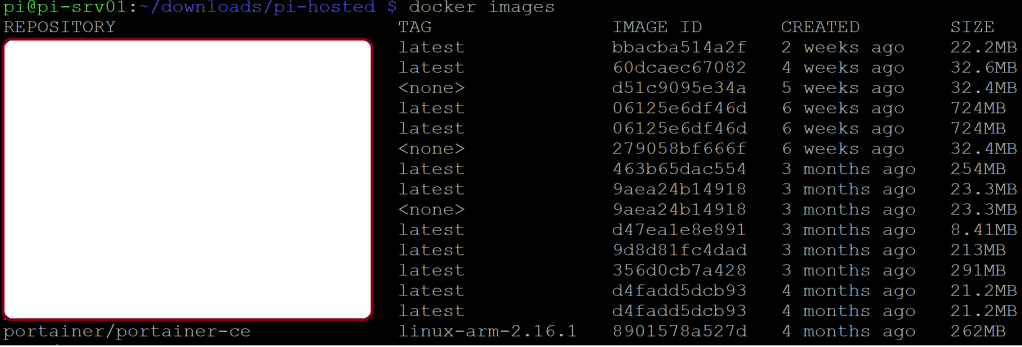
Now, let’s use docker run to create the Portainer container
sudo docker run -d -p 9000:9000 -p 9443:9443 –name=portainer –restart=always -v /var/run/docker.sock:/var/run/docker.sock -v portainer_data:/data portainer/portainer-ce:linux-arm-2.16.1
Let’s check if our Portainer container is created or not
There it is –

Let’s try to browse to port 9000 and see if we are able to get to the GUI of Portainer or not.
http://<Host IP Address>:9000
You will be asked to setup a new password at your first login –
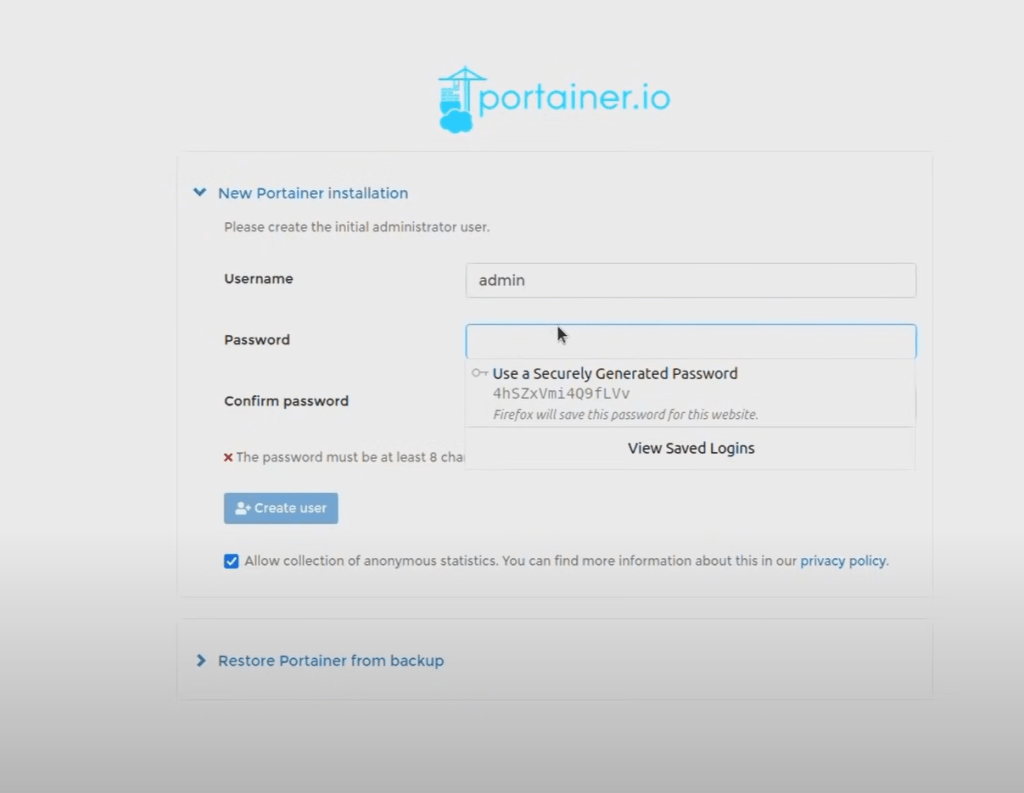
Next, you will have to select the type of container environment that this Portainer instance is going to manage. Ours will be Docker –
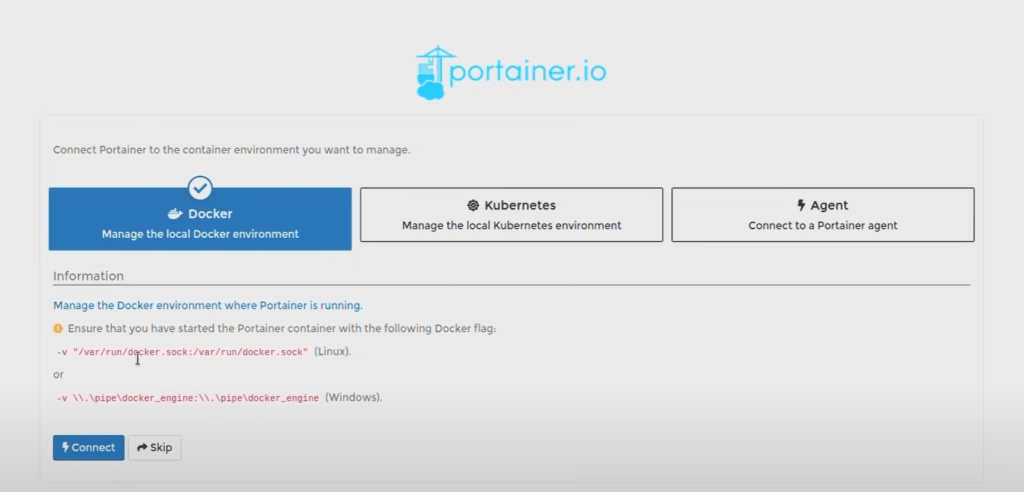
Then, click on ‘Connect’.

Our Portainer container is up and accessible.
We can now use Portainer to create containers by clicking the ‘Add Container’ button on the upper-right corner –


I will try and capture at least one container creation process through this Portainer-GUI method.
So, keep tuning in!

 allabout802.com
Leave a comment