

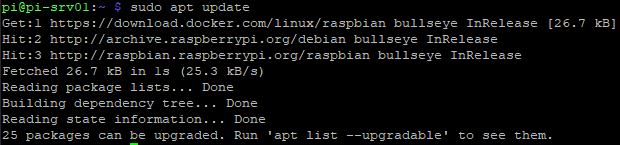
Whenever we download an OS image from RaspberryPi website, its always a ‘best practice’ to run sudo apt update to download all the latest repositores.
Then, we should run sudo apt upgrade to update all the kernels, files, etc.
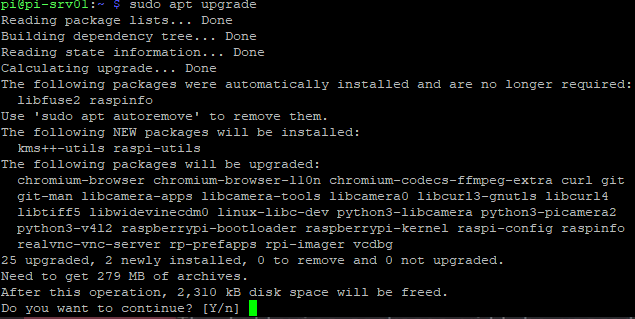
Type ‘Y’ to trigger the upgrade process.
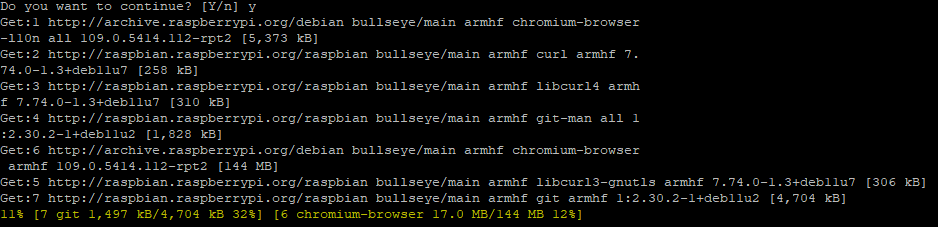
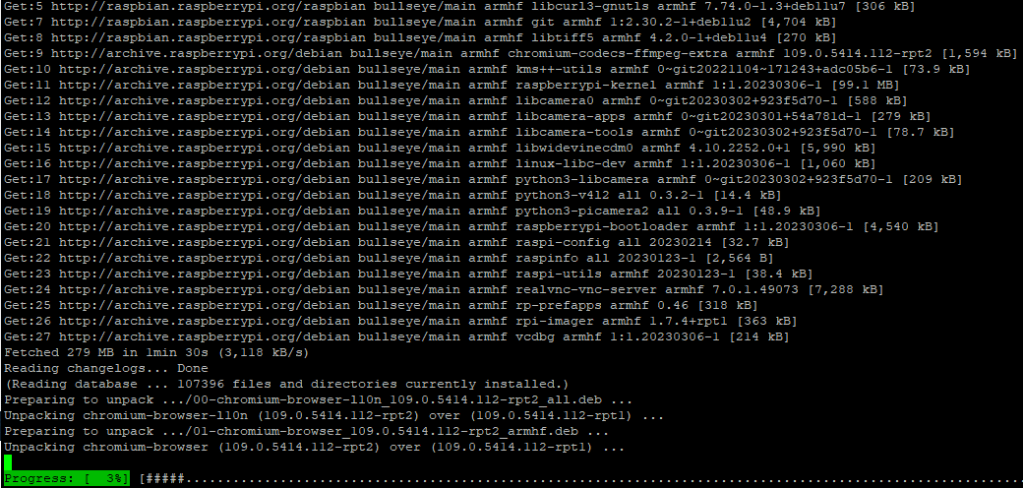
Since this the first update process, it, generally, takes a bit longer than usual. So, have a little patience. It took about 10 min for me to upgrade.
Once upgrade process is completed, reboot the Pi by issuing the command sudo reboot
Now, let’s install Docker!
Docker has made this process incredibly quick and straightforward by providing a bash script that installs everything for us. You can download and run the official Docker setup script by running the following command.
curl -sSL https://get.docker.com | sh
This command will pipe the script directly into the command line. Typically, we would not do this; however, Docker is a trusted source.
If you are unsure about running this directly without first inspecting it, you can go directly to get.docker.com to view the script.
This script can take some time to complete as it automatically detects and installs everything it needs to run Docker on the Raspberry Pi.
Once complete, we need to make a slight adjustment to our user before we can start using Docker without issues. In our case, it ‘pi’.
This is to do with the way that the Linux permission system works with Docker.
For another user to be able to interact with Docker, it needs to be added to the docker group. Our next step is to add our ‘pi' user to the docker group by using the command below
sudo usermod -aG docker pi
If we don’t add our pi user to the group, we won’t be able to interact with Docker without running as the root user.
Since we made some changes to our pi user, we will now need to log out and log back in for it to take effect
logout
Once you have logged back in, you can verify that the docker group has been successfully added to your user by running the following command
groups

This command will list out all the groups that the current user is a part of. If everything worked as it should, the group docker should be listed here.
Docker is now installed successfully in the Raspberry Pi.
 allabout802.com
Leave a comment